Loading Seatline…
Waking up after a quiet moment — this can take a few seconds.
Loading Seatline…
Waking up after a quiet moment — this can take a few seconds.
Keep teams up to date, handle joiners and leavers, and let IT know automatically.
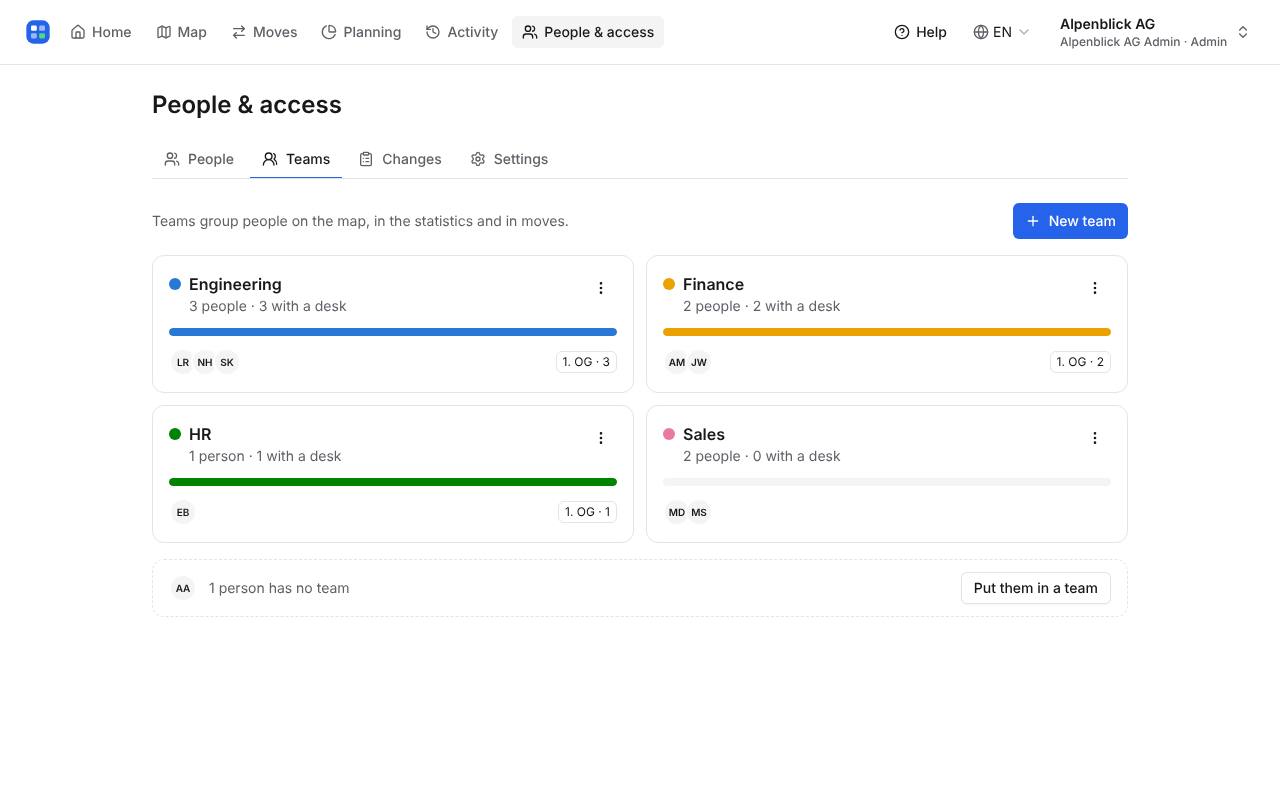
The Teams tab shows each team with how many people are seated and on which floors. Rename or remove a team there, or add people to it. Teams come from the department in Microsoft 365; a team set by hand stays.
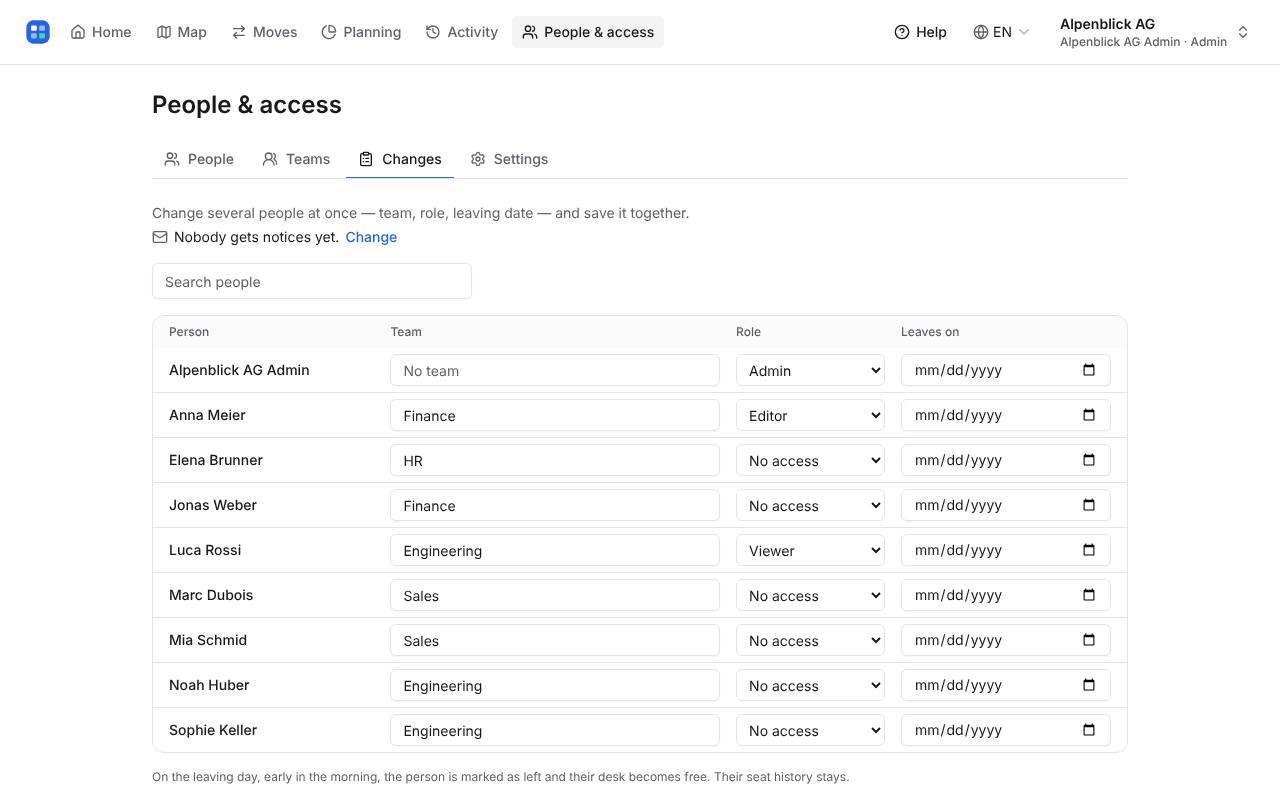
In the Changes tab, change team, role and leaving date for many people, then Save changes — all together or nothing.
On the leaving day, early in the morning, the person is marked as left and their desk becomes free. Their seat history stays.
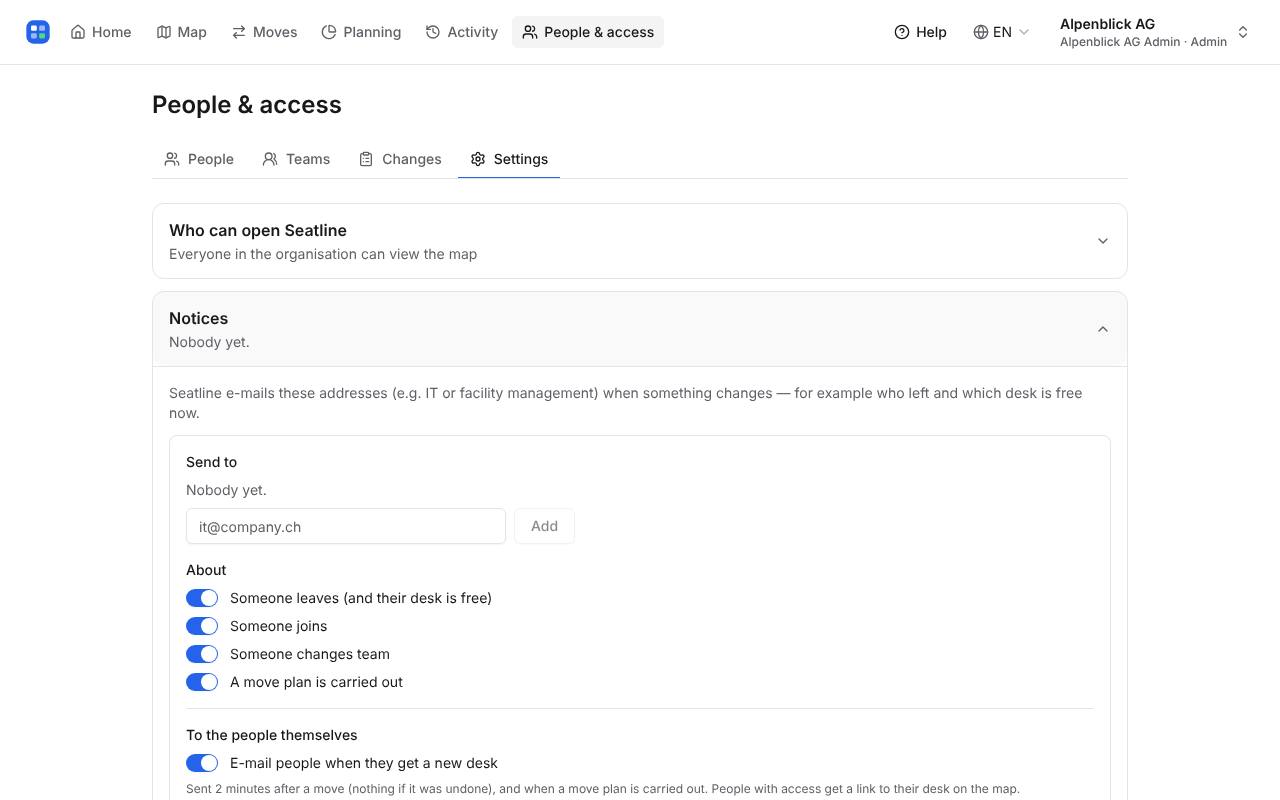
In Settings → Notices, add the addresses that should hear about changes (e.g. it@company.ch) and choose what: someone leaves, joins, changes team, or a move plan is carried out. One short plain e-mail per change.
Write to hello@seatline.ch.